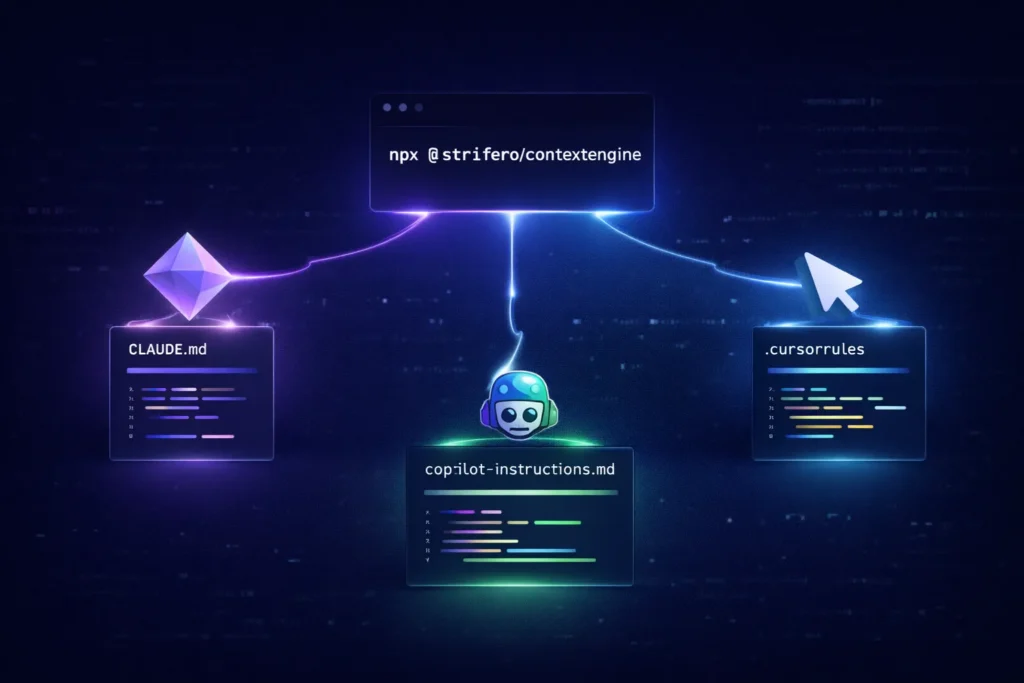

I got tired of the same 10-minute tax at the start of every AI coding session. ‘We use App Router.’ ‘Prisma client is here.’ ‘Don’t touch getServerSideProps.’ And even after typing all that, the AI would still get it wrong half the time.
I was also maintaining a .claude/CLAUDE.md for Claude Code and separate .cursor/rules/ files for Cursor. They drifted apart. Both went stale. I was writing documentation for robots instead of shipping code.
So I built ContextEngine.
Run this in any project:
npx @strifero/contextengineIt scans your config files and dependencies, detects your actual stack, and generates ready-to-use context files for Claude Code, Cursor, Copilot, and Codex CLI, each in the exact format that tool expects. No account. No setup form. No manually describing what you’re using. Runs entirely offline, nothing leaves your machine.
The output isn’t generic boilerplate. If it detects Next.js 14 with App Router, you get App Router conventions, not a mix of both patterns. If it finds Prisma, it knows where the client lives and how you should be importing it.
When you pull in a new dependency or change your setup, run:
npx @strifero/contextengine --updateIt pulls in updated content for anything new without touching the sections you’ve edited by hand.
If you’re switching between Claude Code and Cursor daily like I am, --tool all generates for both tools at once. That’s the part I couldn’t keep up with manually.
Free, open source (MIT), no account required. Requires Node.js 18+. Source and full docs: https://github.com/strifero/ContextEngine
Happy to answer questions about how the stack detection works or what the generated files actually look like.