
ContextEngine
Your AI tools already know your stack. No more explaining.
npx @strifero/contextengineThe Problem Every AI Coding Session Starts With
Every AI coding session starts the same way: you ask for help, the AI makes wrong assumptions about your stack, and you spend the first ten minutes correcting it. “We use App Router.” “Prisma client is here.” “Don’t touch getServerSideProps.” And even after all that, it still gets it wrong half the time.
CLAUDE.md, .cursorrules, and copilot-instructions files fix this — but nobody wants to write and maintain them by hand. They drift. They go stale. You end up writing documentation for robots instead of shipping code.
How ContextEngine Works
1
Run one command
Run npx @strifero/contextengine in your project root. No installation required, no accounts, nothing to configure.
2
It reads your project
ContextEngine scans your actual config files and dependencies — package.json, tsconfig, framework configs — and detects what you’re really using.
3
Your AI tools just know
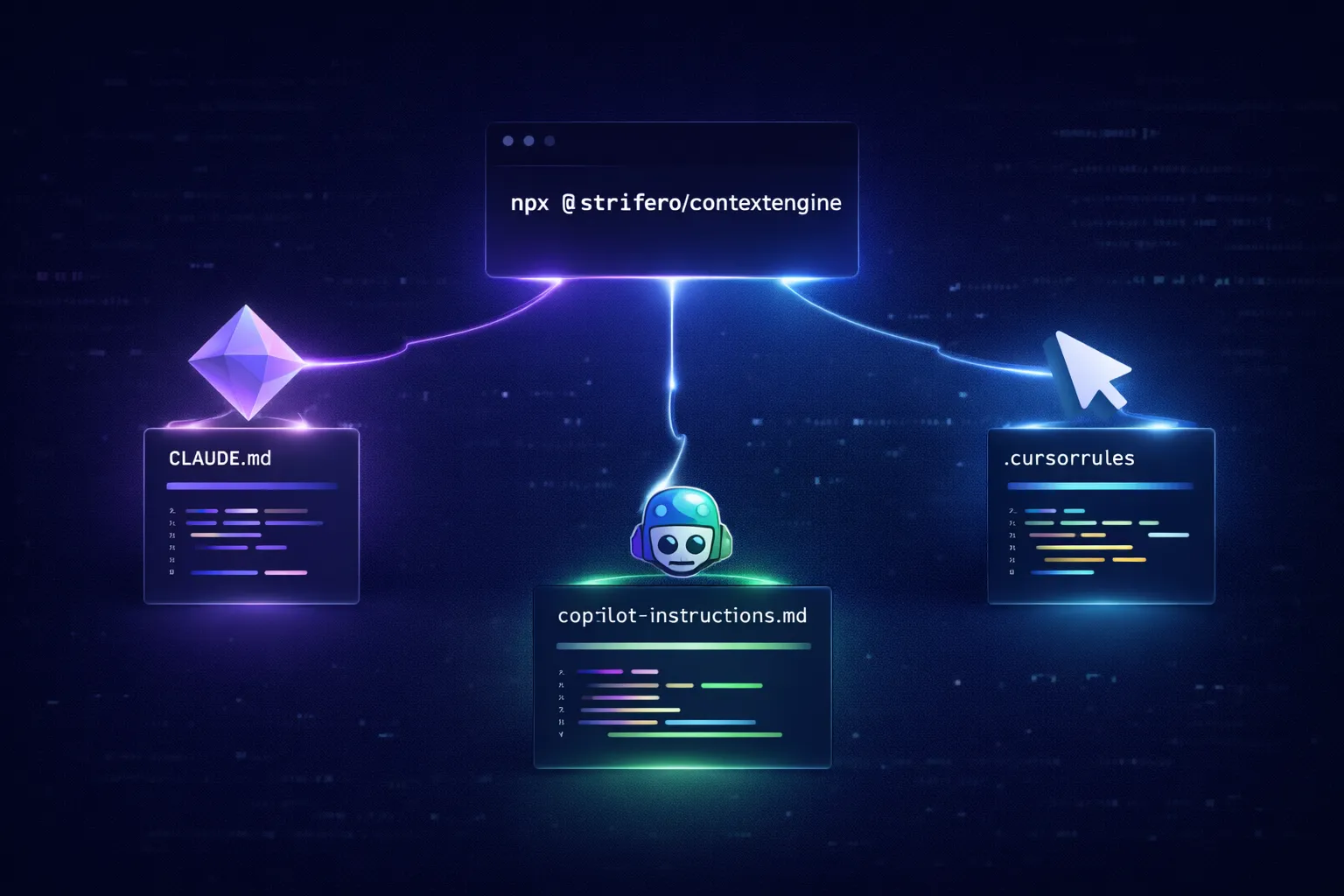
Context files are generated in the exact format each tool expects. Claude Code, Cursor, and Copilot pick them up automatically — no further setup.
What Gets Generated
ContextEngine writes the right file in the right format for each tool — automatically.
| Tool | File Generated | Location |
|---|---|---|
| Claude Code | CLAUDE.md | Project root |
| Cursor | .cursorrules | Project root |
| GitHub Copilot | copilot-instructions.md | .github/ |
| Codex CLI | AGENTS.md | Project root |
The output isn’t generic boilerplate. If it detects Next.js 14 with App Router, you get App Router conventions — not a mix of both patterns. If it finds Prisma, it knows where the client lives and how you should be importing it.
Key Commands
# Generate context files for all detected tools
npx @strifero/contextengine
# Update without overwriting your manual edits
npx @strifero/contextengine –update
# Generate for a specific tool only
npx @strifero/contextengine –tool cursor
Free & Open Source
- ✓ MIT licensed — use it anywhere
- ✓ No account required
- ✓ Runs completely offline
- ✓ Nothing leaves your machine
- ✓ Requires Node.js 18+
- ✓ Works on Mac, Linux, Windows
- ✓ Claude Code, Cursor, Copilot, Codex CLI
- ✓ Published on npm as @strifero/contextengine